

Integrations
Connect Slack, GitHub, Discord and your meeting notes to Ali, so Lia works inside the tools the team already has open.
Your team does not live in one tab. The digest somebody needs is read in Slack, the handoff is argued about in a GitHub issue, and the decision that matters was made out loud in a call nobody wrote up. Integrations are how Ali reaches into those places: Lia posts where people already look, reads the threads they already write in, and turns a meeting into a document without anybody typing it.
You reach them from Integrations in the sidebar, under Settings. The entry shows for owners and admins, because a connection is made once for the whole workspace rather than per person.
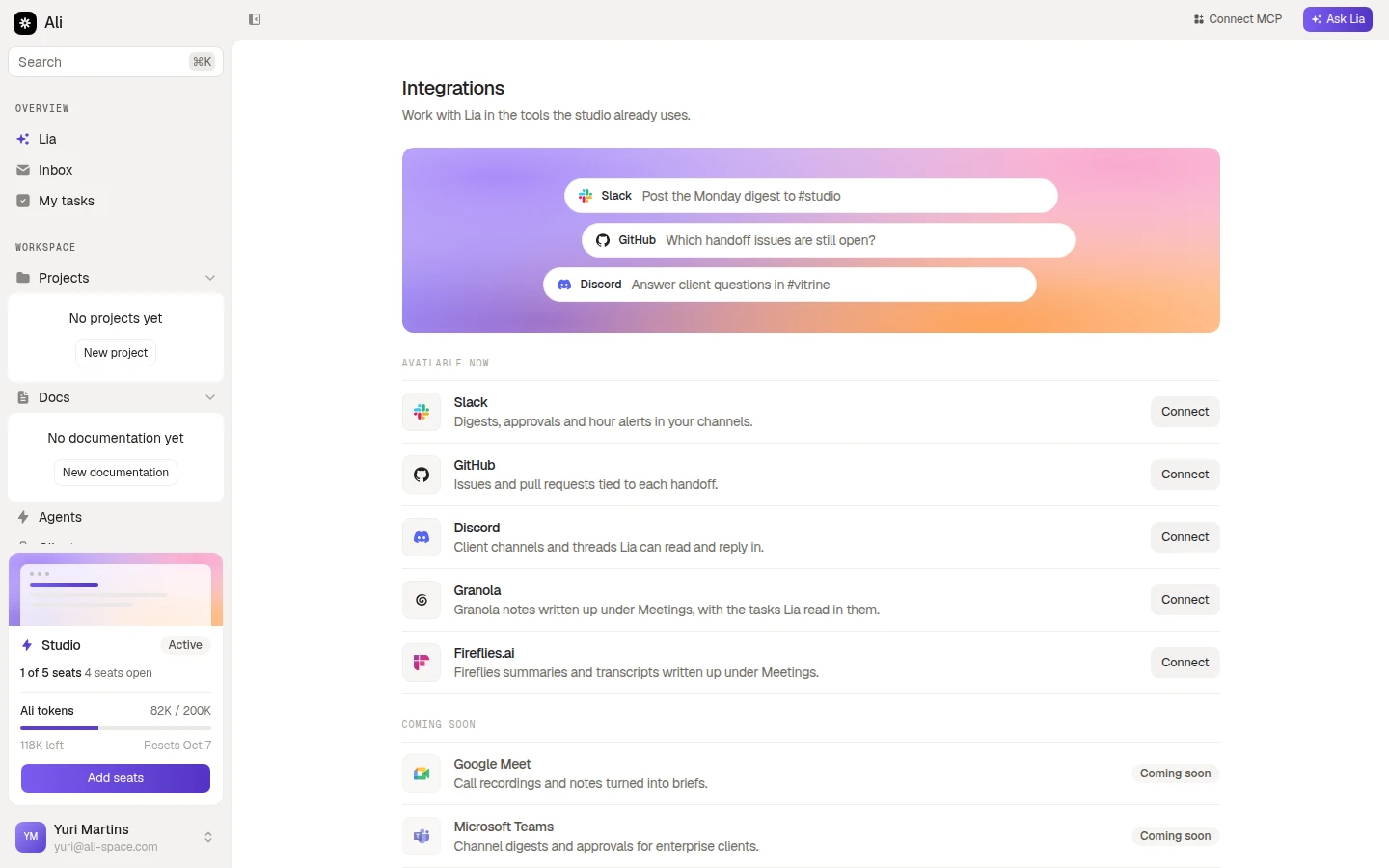
What you can connect today
| App | What it gives you | How you connect |
|---|---|---|
| Slack | Digests, approvals and hour alerts in your channels | Pick what Lia may do, then approve in Slack |
| GitHub | Issues and pull requests tied to each handoff | One click, approved on GitHub |
| Discord | Client channels and threads Lia can read and reply in | Pick what Lia may do, then approve in Discord |
| Granola | Granola notes written up under Meetings, with the tasks Lia read in them | Paste an API key |
| Fireflies.ai | Fireflies summaries and transcripts written up under Meetings | Paste an API key, then point a webhook back at Ali |
Google Meet and Microsoft Teams sit under Coming soon. They are listed so you know they are on the way, and the row does nothing until they land.
Two kinds of connection
The apps split into two groups, and which group you are in decides what the Connect button does.
Slack, GitHub and Discord
You choose what Lia may read and change in your workspace, then approve the app on its own side. These are the channels agents report into.
Meeting notes
Granola and Fireflies take an API key instead of a sign-in, because that is what their APIs hand out. Every new meeting becomes a document.
The difference is where the credential comes from. Slack, GitHub and Discord send you to their own consent screen and hand Ali a token afterwards. Granola and Fireflies give you a key in their settings and you paste it here.
What “connected” looks like
A row tells you where it stands without opening anything.
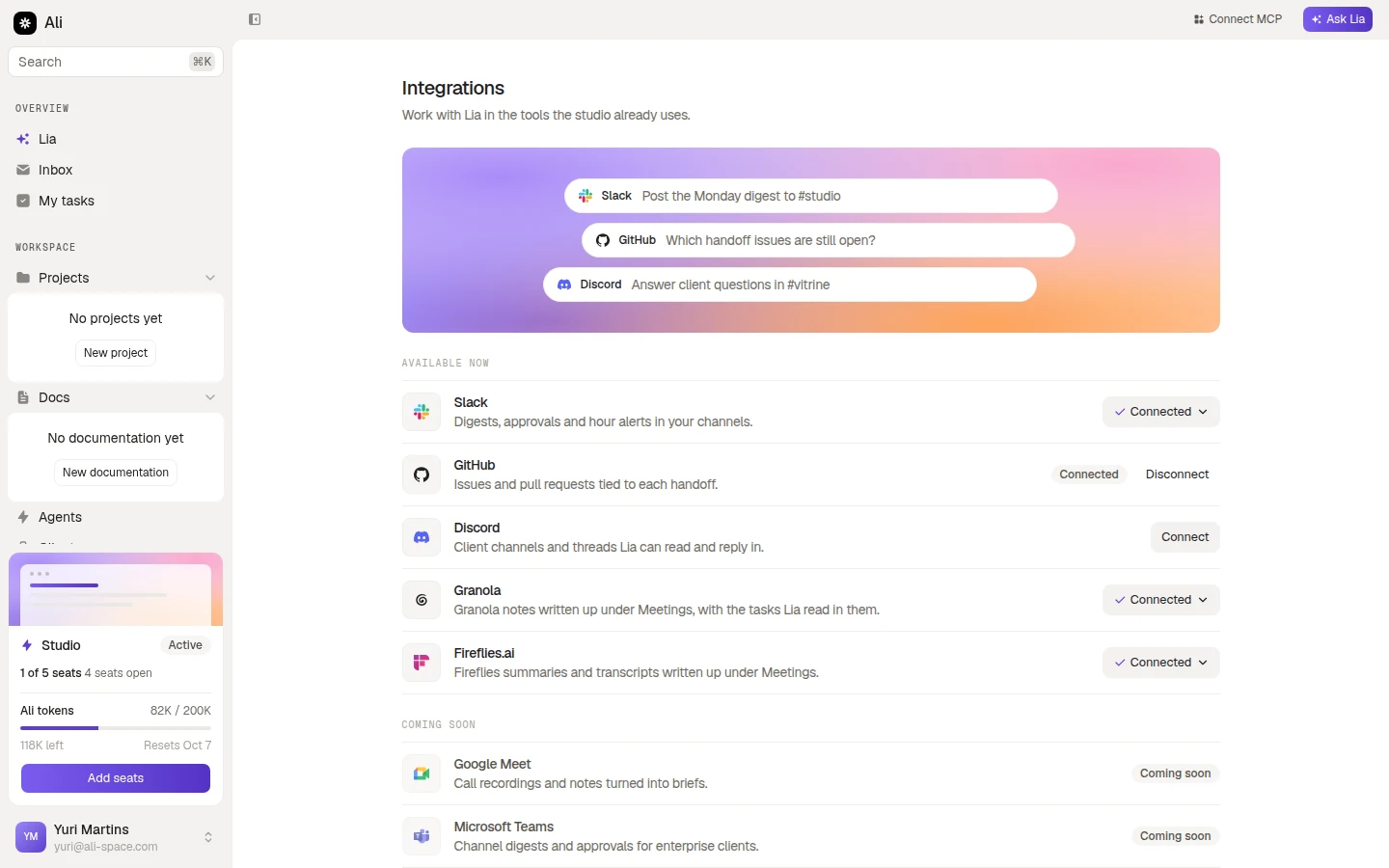
- Connect means nothing is set up yet.
- Connected with a chevron opens the panel where you change access or disconnect.
- Connected as a plain badge, with Disconnect beside it, is GitHub: there is nothing to tune, so there is no panel.
Connecting or disconnecting confirms itself with a toast in the corner. If the app comes back with an error, the toast says so and the row stays as it was, which usually means the approval was cancelled on the other side.
Who a connection belongs to
A connection is installed once and belongs to the workspace, not to the person who set it up. Agents from any member can report into a connected Slack channel, and the meeting write-ups land in the workspace for everyone.
What Lia may touch inside Ali is still scoped. Slack and Discord carry the same six resources and three levels as the rest of the product, so a connection can be read only, or write on tasks and nothing else.
Where to go next
Slack, GitHub and Discord
The permission picker, the approval on the app’s side, and how to change or revoke access later.
Meeting notes
Granola and Fireflies, the webhook Fireflies needs, and the signing secret that only shows once.
Agents
Once a channel is connected, an agent can report into it on a schedule.
Permissions
What read and edit actually cover, resource by resource.