

Create your account
The three ways into Ali, the six-digit code, and what to do when somebody sends you an invitation link.
Ali has no passwords. You either come in through Google or GitHub, or you type your email and we send you a six-digit code. Whichever you pick, it is the same account afterwards.
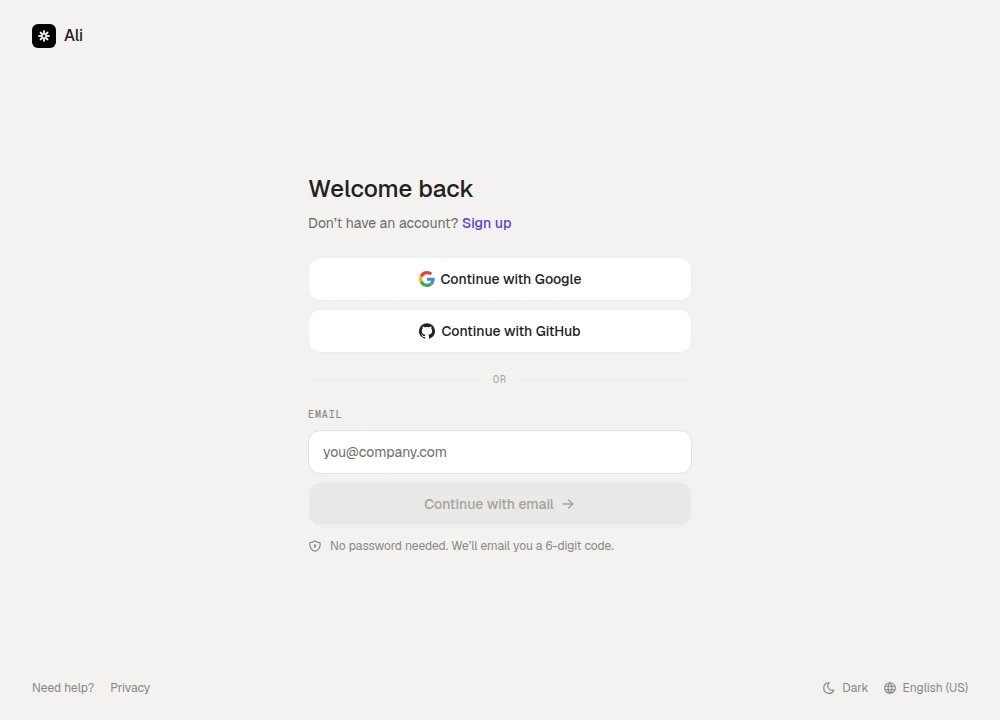
Signing in with an email code
Type your address and press Continue with email. Ali sends a code and moves you to the next screen.
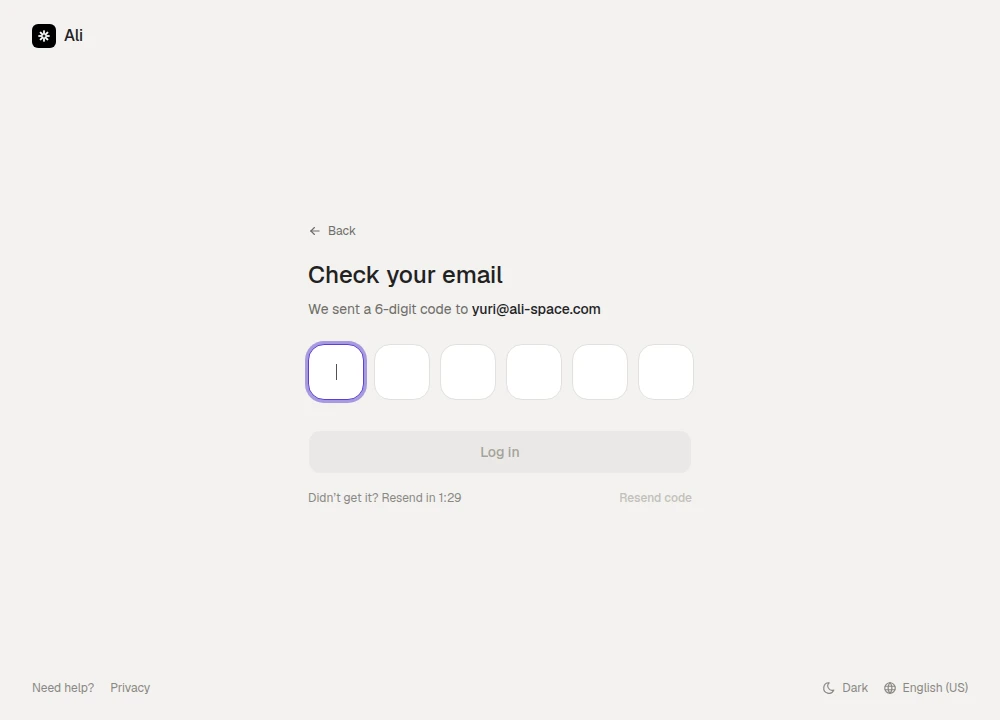
Type the six digits and you are in. A few details that save a support message:
- The code is short lived. If it says the code is invalid or expired, ask for a new one rather than retyping the old one.
- Resend code unlocks after 90 seconds, and the button counts down so you know when.
- Wrong address? Back takes you to the sign-in screen with the field ready to change.
Signing in with Google or GitHub
Continue with Google and Continue with GitHub skip the code entirely. You approve the usual consent screen at Google or GitHub, and land back in Ali.
If this is your first time, Ali asks you to confirm your name and accept the terms before the account is created. After that the button is a one-click sign-in.
Creating a new account
Sign up on the sign-in screen opens the same form with one extra step: your name, your email, and the checkbox for the Terms of Service and Privacy Policy. There is also an optional referral code field, for when another company shared one with you.
Creating an account this way also creates a workspace for you, and you are its owner. Set up your workspace picks up from there.
Joining by invitation
If somebody already set the workspace up, they send you an invitation link by email. Opening it shows who invited you and what you are joining, and Accept invitation puts you in.
Two things behave differently on this path:
- You do not need an account first. If the email has never seen Ali, the link offers Create account and join. Your email is already confirmed by the invitation, so there is no code to type.
- You join their workspace instead of starting your own. The projects, clients and documents are already there.
Invitation links expire and work only once. If yours says it is no longer valid, or that it was already accepted or cancelled, the fix is always the same: ask the workspace owner to send a new one.